The infill pattern inside your 3D print has a huge impact on strength, print time, and material use. In this guide we’ll look at five popular PLA infill patterns: Lines, Grid, Triangles, Cubic, and Gyroid. We’ll compare their strength, speed, and best-use cases so you can pick the right one for each print.
Basic Idea: How Infill Affects Strength
In simple terms:
- More infill = more strength (but also more time and filament).
- Better pattern = more effective strength for the same percentage.
- More walls (perimeters) often improve strength more than just raising infill.
The trick is finding the sweet spot: a pattern and percentage that are strong enough without wasting hours and filament. For most functional PLA prints, 20–30% infill and 3–4 walls is a great starting point.
Lines (Rectilinear) Infill
What it is: Straight parallel lines in each layer. In the next layer, the lines rotate, but each layer is just a set of straight passes.
Lines infill is usually the fastest and lightest option. The slicer can generate it quickly, and the printer doesn’t have to do many sharp turns. It’s great for fast prototypes, visual pieces, or anything that doesn’t need serious strength.
- Pros: Very fast to print, minimal filament, simple toolpath.
- Cons: Weak for structural parts, strength is very directional, not ideal for heavy loads.
- Best for: Drafts, cosmetic models, low-stress parts.
Grid Infill
What it is: Lines in two directions (like graph paper). Each layer forms a criss-cross pattern.
Grid is almost as easy to print as Lines, but much stronger. Because the lines cross, it resists loads in both X and Y. This makes it a good “default” infill for many prints where you want a mix of reasonable strength + reasonable speed.
- Pros: Stronger than Lines, still quite fast, easy to slice, good general-purpose infill.
- Cons: Not truly 3D-strong (weaker in Z), slightly more filament and time than Lines.
- Best for: Everyday functional parts, brackets, enclosures, toys.
Triangles (and Honeycomb) Infill
What it is: Each layer is made from repeating triangles, sometimes forming hexagonal “honeycomb”.
Triangles are naturally stiff shapes. This pattern spreads loads evenly and gives a very high strength-to-weight ratio. For the same infill percentage, triangular/honeycomb infill is usually stronger than Grid.
- Pros: Very strong and rigid; excellent for parts that see side loads or shear forces.
- Cons: Slightly slower than Grid/Lines; a bit more complex path; still mostly 2D (per-layer) structure.
- Best for: Functional parts, tool holders, frames, anything that needs stiffness.
Cubic Infill
What it is: A 3D lattice of cubes, often rotated/stacked so that each layer shows diagonal lines.
Cubic infill is designed for more uniform strength in all directions. Instead of only reinforcing X and Y per layer, it builds a 3D structure that helps in X, Y, and Z. It’s a great choice when the part will see loads from multiple angles.
- Pros: Good overall strength in all directions; robust for functional prints.
- Cons: Slower and heavier than simple patterns; more computation for slicing.
- Best for: Brackets, mounts, mechanical parts, general “workhorse” prints.
Gyroid Infill
What it is: A continuous, wavy 3D pattern with no sharp corners. It fills space with a smooth “organic” lattice.
Gyroid is famous for its near-isotropic strength – that means strength is fairly uniform in every direction. It’s also very efficient: even at modest percentages (15–25%) you can get impressive strength for the amount of filament used.
- Pros: Excellent strength-to-weight; strong in all directions; good internal support; looks cool.
- Cons: Slightly longer slice time; a bit slower than Grid/Lines; overkill for decorative prints. Printer vibrates more due to zig-zag infill pattern.
- Best for: High-stress parts, load-bearing brackets, RC parts, tools, anything “serious”.
Strength vs Density vs Speed
When choosing an infill pattern, you’re really balancing three things:
- Strength – how much load the part can handle before bending or breaking.
- Density – what percentage of the interior is solid (10%, 20%, 40%, etc.).
- Speed – how long the print takes and how much filament it uses.
A few practical rules:
- Going from 20% to 40% infill makes a part noticeably stronger, but also slower and heavier.
- Changing from Lines → Triangles or Gyroid can give a big strength boost at the same percentage.
- Adding more walls (perimeters) is often the most efficient way to increase strength.
For many real-world parts, it’s smarter to: increase walls to 3–4 and use 20–30% infill, instead of pushing infill to 80–100%.
Recommended Starting Points (Cheat Sheet)
- Fast visual prints / prototypes
Pattern: Lines or Grid
Infill: 10–15%
Walls: 2–3
Goal: low material, quick results. - Everyday functional parts
Pattern: Grid or Cubic
Infill: 20–30%
Walls: 3–4
Goal: strong enough for brackets, enclosures, organizers. - High-stress / load-bearing parts
Pattern: Gyroid or Triangles
Infill: 40–60% (sometimes more)
Walls: 4–5
Goal: maximum strength and durability.
Suggested Filament & Tools (Affiliate-Friendly)
If you want to run your own infill tests or just upgrade your setup, here are some useful items you can link as affiliates (Amazon EU or similar):
- PLA Filament:
A reliable 1.75 mm PLA spool in neutral color (grey/black) is great for strength tests. - Digital Caliper:
To measure part dimensions and deflection when you test bending/strength. - PEI Build Plate:
A textured PEI spring steel sheet for reliable adhesion across all your test prints.
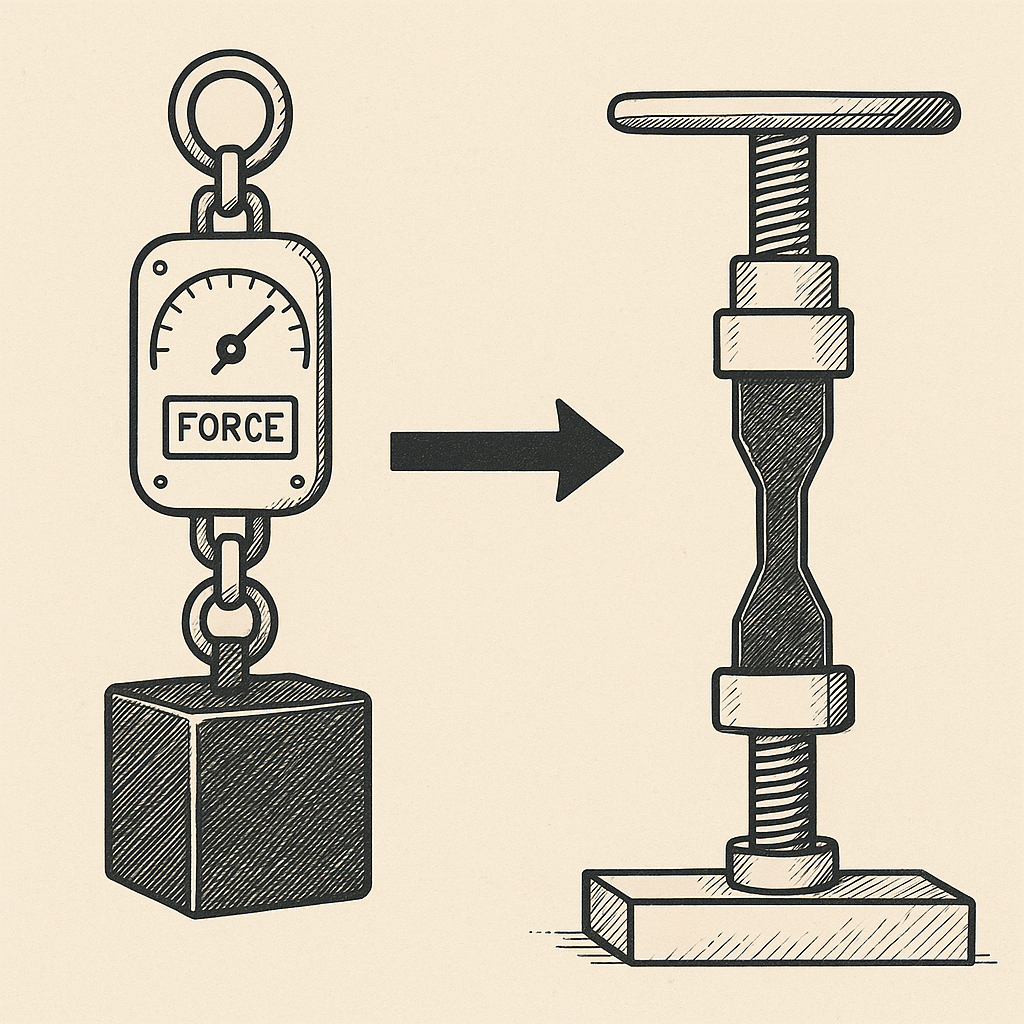
For test models, you can use simple tensile bars, hooks, or cantilever beams from STL-sharing sites. Print them with different infills, then bend, hang weights, or break them to compare.
Final Thoughts
Yes, infill really does affect strength – but not all patterns are equal.
- Lines – fastest, weakest, good for prototypes.
- Grid – good general-purpose strength, still quite fast.
- Triangles / Honeycomb – very stiff, great strength-to-weight.
- Cubic – solid all-rounder, strong in all directions.
- Gyroid – excellent strength and efficiency, ideal for heavy-duty parts.
Combine a smart infill pattern with the right density and enough walls, and even a basic printer like an Ender 3 or Prusa Mini can produce surprisingly strong PLA parts. Test a few patterns on your own setup and you’ll quickly see which one becomes your “go-to” for each type of print.